Contacts

Creating Custom Contact Data Fields in Settings

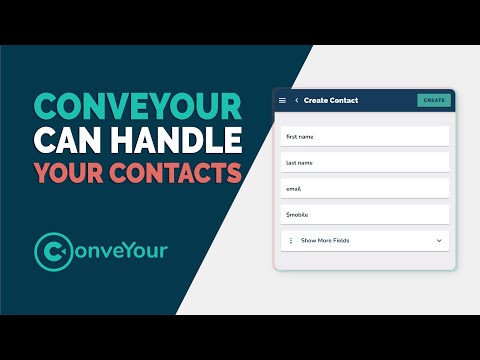
Keep track of any type of contact data with custom fields.

We've gone to great effort to make sure our system works around your workflow and not the other way around. One of the most powerful tools we have is our custom fields system.

Remember that fields are connected to data points within your contact list. If ConveYour doesn't offer you a type of data you need, you can make one!

With the Fields System, you can...

  • Create custom contact fields with different types like number, text, true/false, date, etc.

  • Choose where the field is visible either on the sheet, contact profile, or both.

  • Choose what type of user can edit a field and view your custom field

  • Create a dropdown list of restricted values for easy data entry
Learn more about Custom Field Setup in Settings >>

More in Contacts

An Overview of Contacts

Contacts

An Overview of Contacts

Introduction to working with contacts in ConveYour

Uploading or Importing Your Contact List

Contacts

Uploading or Importing Your Contact List

Quickly and easily import your contacts into ConveYour

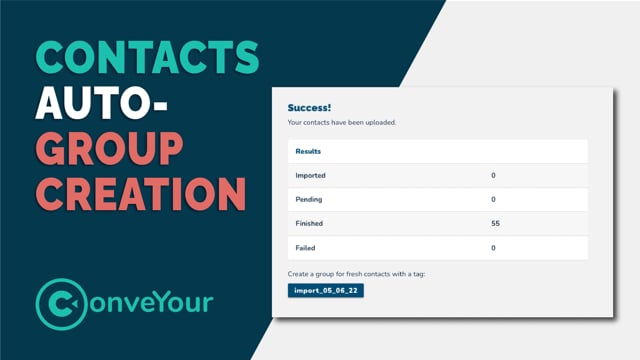
Automatic Group Creation on Upload

Contacts

Automatic Group Creation on Upload

ConveYour automatically tags and creates a group when you upload a database list of contacts

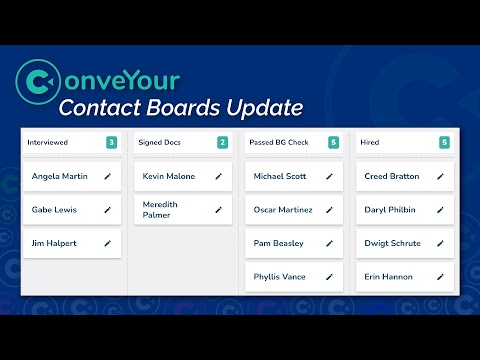
Boards

Contacts

Boards

Tracking process or activities for contacts using ConveYour Contact Boards