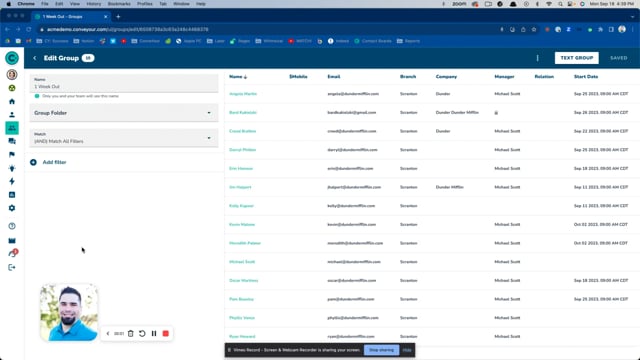
You may want to share your ConveYour Group with specific users while restricting access for others. Advanced Group Sharing Settings allow administrators to define who can view, manage, or message a group, ensuring the right people have access they need.
Real-World Use Cases for Group Sharing
A district manager needs access to sales progress by location.
Sales reports need to be produced by region.
Managers need to track compliance training completion for their assigned teams.
Where to Find Group Sharing Options
Only administrators can edit Advanced Group Sharing Settings. Guests cannot make changes. To access group sharing options:
Navigate to Main Menu > Groups and select the group you want to share.
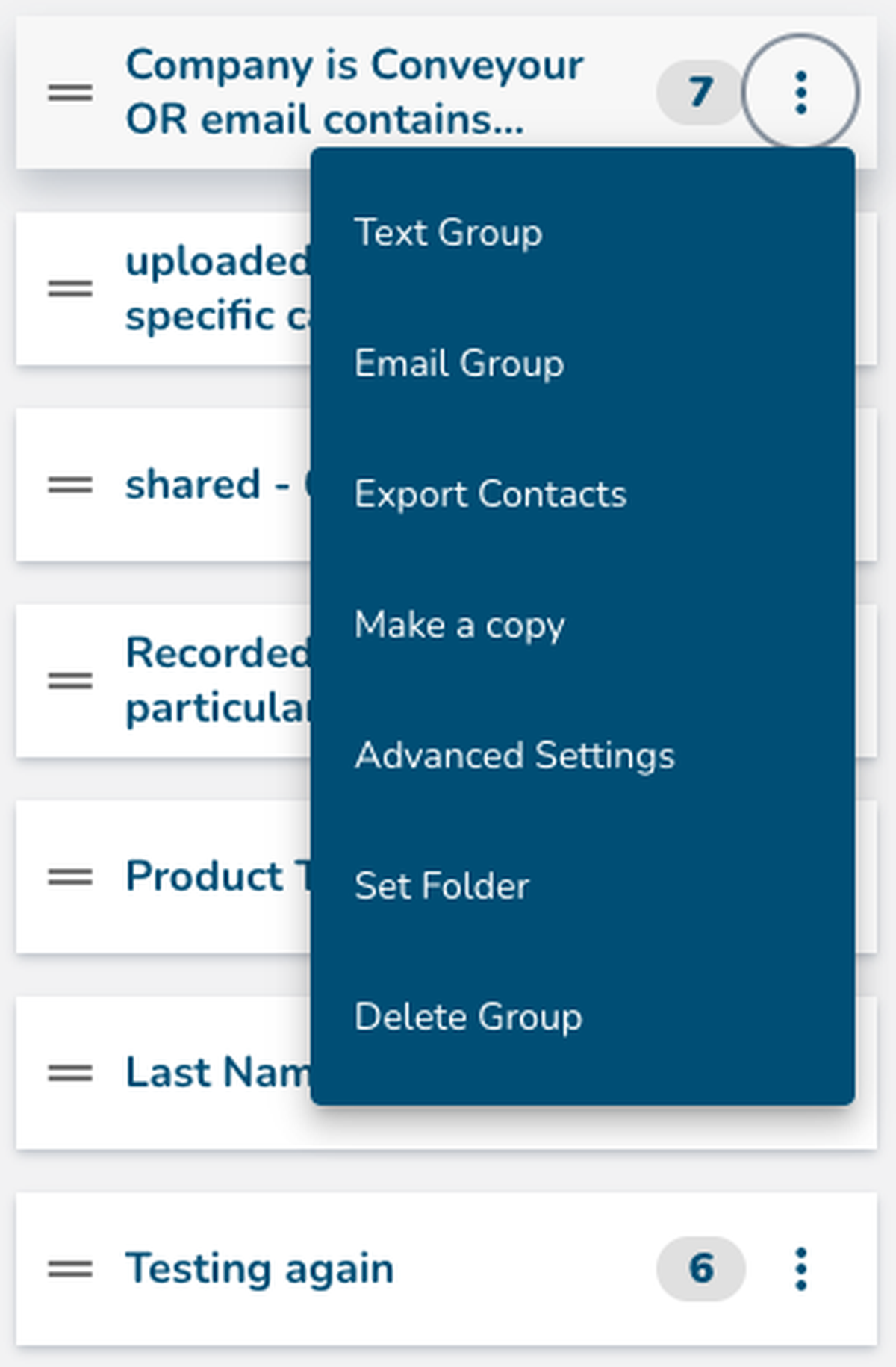
Open the Group Context Menu (three-dot menu).
Select Advanced Settings.

Setting A Default Group - Restrict Access to Specific Contacts
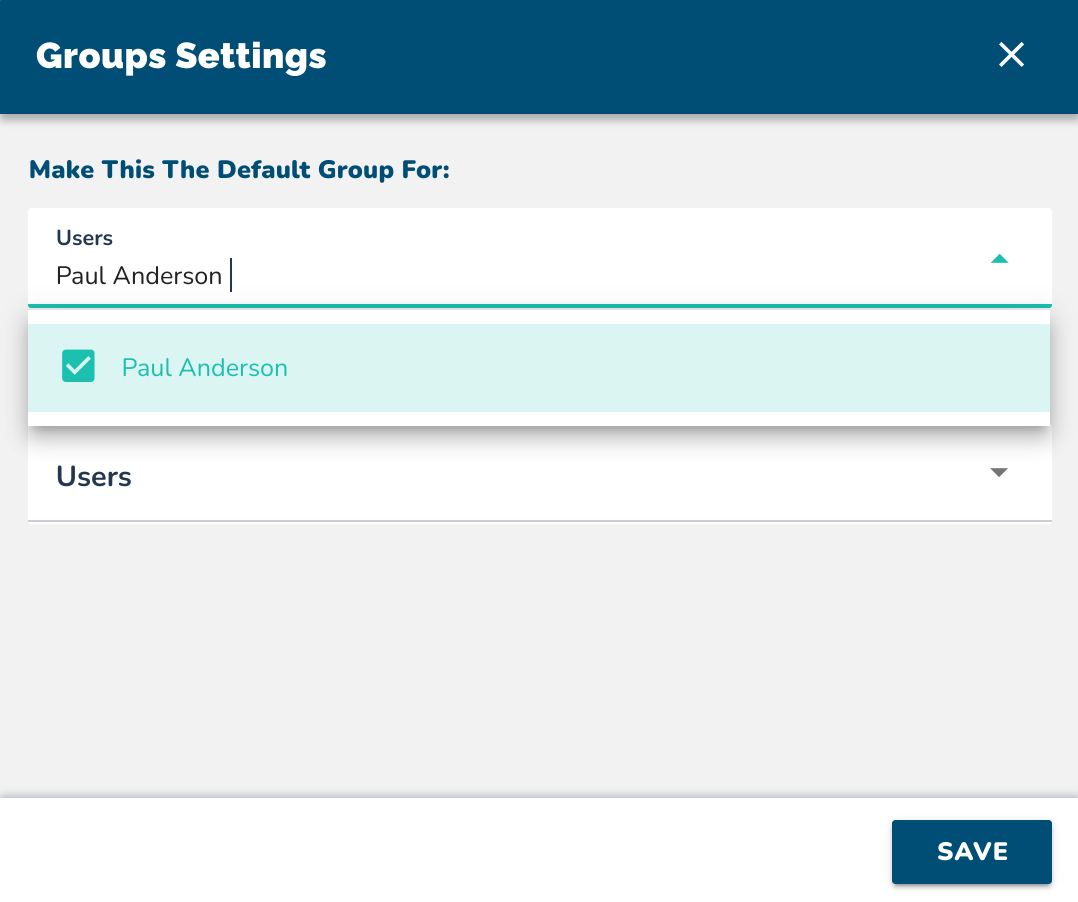
The Default Group setting limits a guest user's access to only a specific group of contacts.
Use this option when:
You need a manager to see only their assigned reps or employees.
You want to prevent them from accessing other groups in the system.
How to Set a Default Group
Open Advanced Settings for the group.
Select the name of the manager or guest collaborator.
Once assigned, they will only see this specific group in their ConveYour dashboard.