🔍 What Is Portal AI Search?
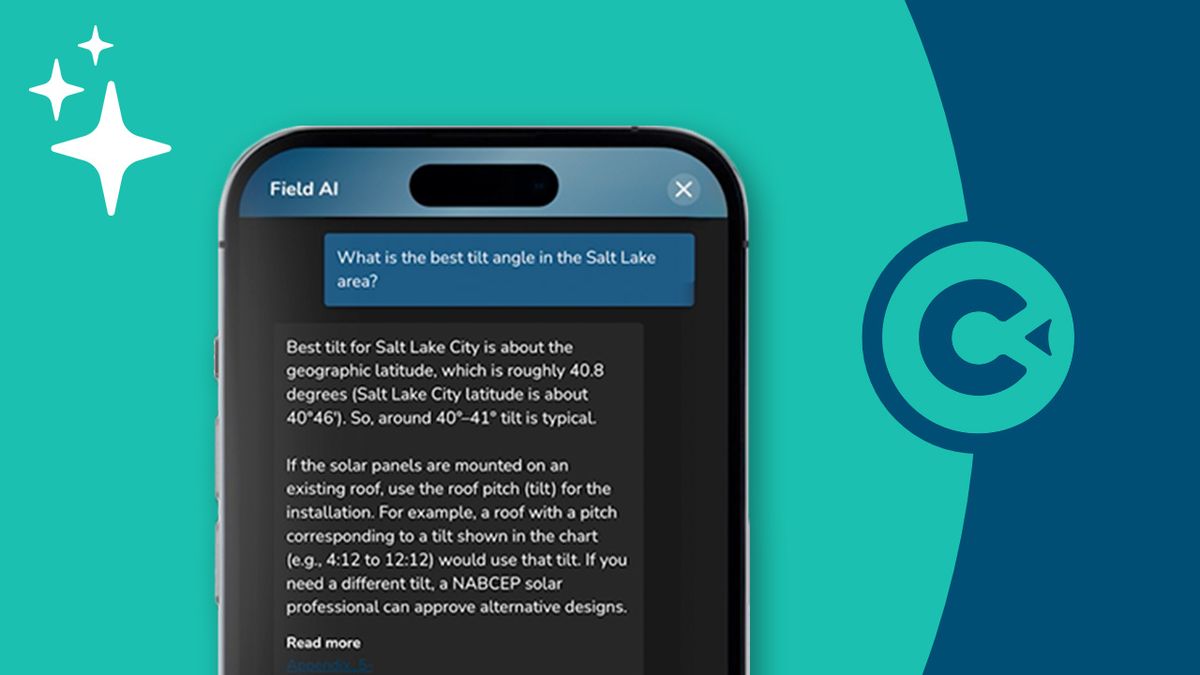
Portal AI Search is an AI-powered search bar inside the learner portal. Learners can ask natural-language questions and instantly get answers based on the lessons, files, and folders they have access to.
Helps learners:
Find documents, guides, forms instantly
Understand concepts or steps from lessons
Get calculated answers when formulas exist in their content
Helps managers:
Cuts down repetitive questions
Keeps reps productive without manager intervention
📁 What Is the Files Page?
The Files page lets you store, organize, and share:
PDFs
Docs
Videos
Images
Product sheets
Forms
Training content
When using Portal AI, anything you upload becomes:
Searchable
Citable
Instantly available to learners
📤 How to Upload Files for Portal AI
1. Go to Files
Main Menu → More → Files
2. Upload Your Content
Click Upload
Select one or multiple files
Choose or create a folder
Save
Supported formats: PDF, DOCX, PPTX, MP4, MOV, PNG, JPG, CSV, XLSX, and more.
3. Share Uploaded Files With Learners
Click the 3 dots on the file you want to share
Click Edit
Select a Parent Folder
Repeat for any file, video, or image you want included
Click the 3 dots on the parent folder
Choose Share to Group
Select the learner group that should have access
Click Save
🧠 Tips for Better AI Answers
Use clear file names
Organize content into topic-based folders
Structure documents with headings and steps
Include examples, formulas, and visual aids
Quick Summary
Upload your files into ConveYour
Add them into a shared parent folder
Share the folder with the correct learner group
Portal AI instantly makes the content searchable for those learners