In-App Password Change
When working in ConveYour, and you decide to change or update your password for added security - you can handle this in settings.
From the Settings > User Profile
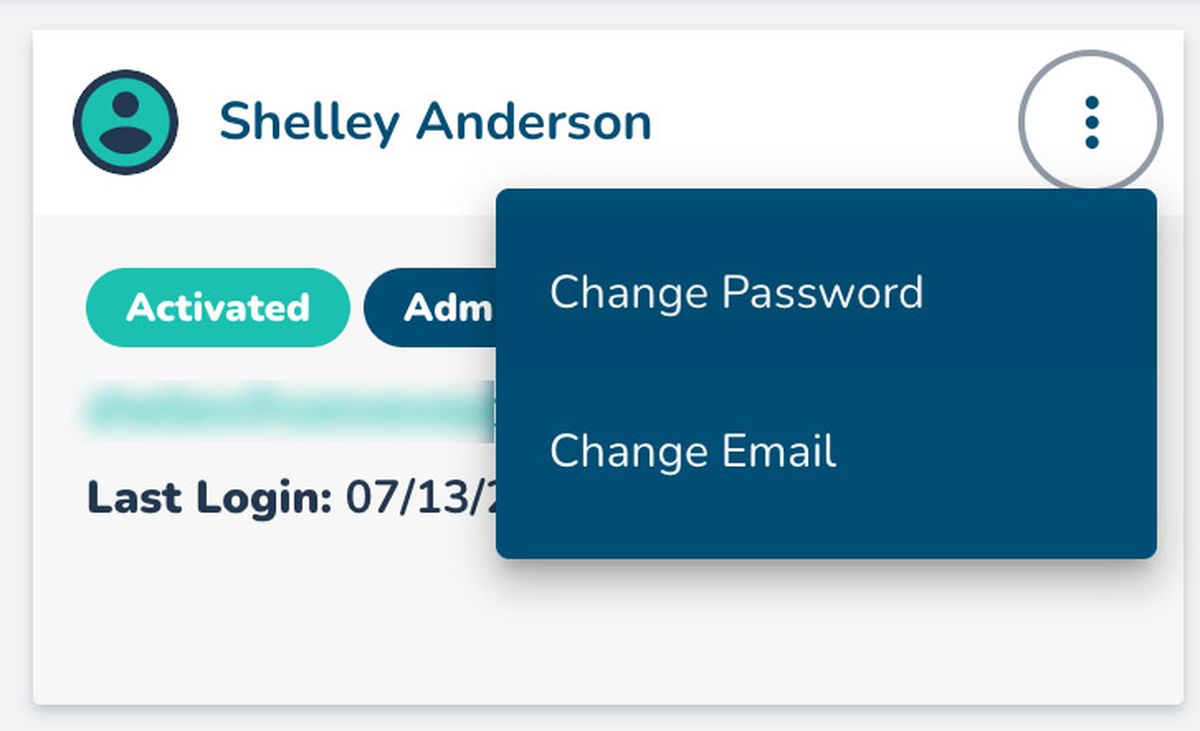
You can only change your own preferred email and your own password. In other words, the context menu is only available to one logged in user for their specific profile. Click on the context menu for your user profile card:
 Selecting "Change Password" calls up the dialogue box for you to reset your password here. Enter the password update, and Submit.
 Forgot Password? No Problem.
If you are having troubles logging in - follow the steps in the linked article below: